↗
Partner layer
Use the partner product for the workflow it is designed to manage.


A professional anti-detection browser with team account management, RPA automation, local API access, MCP services, Cloud Mobile, and Cloud PC.
Pair the product above with a Gateproxies route that stays easy to configure, inspect, and change.
Use the partner product for the workflow it is designed to manage.
Choose the IP type, location, and session length that fit the job.
Keep credentials, routing, and troubleshooting visible to the team operating the workflow.
Браузер «Bit Fingerprint» — профессиональный браузер с защитой от обнаружения. Он поддерживает командное управление несколькими учетными записями и позволяет открывать более 1000 окон с учетными записями одним нажатием.
Платформа поддерживает автоматизацию задач с помощью RPA, подключение к локальным API для пользовательских скриптов и службы MCP для работы с совместимыми ИИ-агентами.
BitBrowser, Cloud Mobile и Cloud PC выбрали более 3 миллионов пользователей. Управление доступно через веб-интерфейс, приложение и клиент для рекламных аккаунтов, интернет-магазинов, SEO, защиты конфиденциальности, шифрования и защиты локальных данных.
До 10 рабочих сред доступны бесплатно без ограничения срока.

Open the partner workflow you want to operate.
Add the Gateproxies credentials from the selected package.
Choose the route and session behavior for the job.
Verify the resulting IP and location inside the tool.
Make ownership and credentials clear to the team.
Scale after the handoff stays predictable.
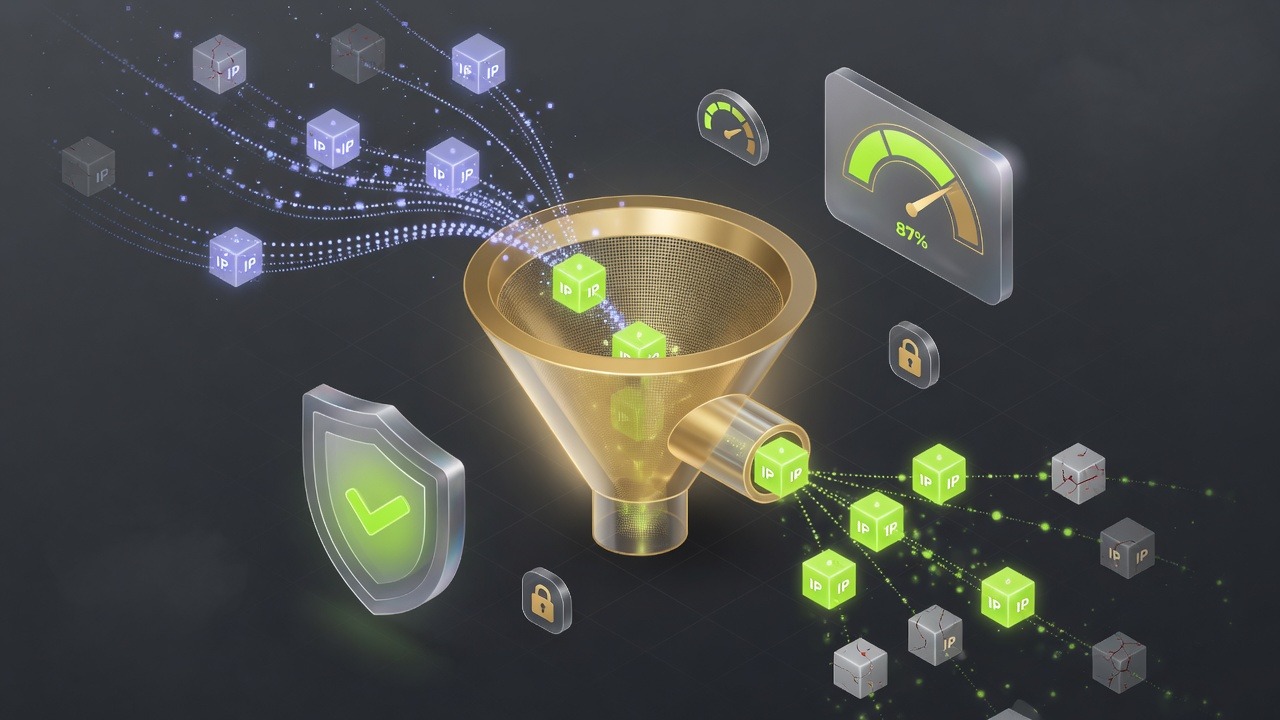
A good integration is easy to explain, easy to verify, and easy to change when the workflow evolves.
Use the partner tool’s native proxy fields.
Check the IP, location, and session behavior from inside the workflow.
Keep credentials and route ownership clear for the team.
Explore this route
Open →Explore this route
Open →Explore this route
Open →Choose a route, verify the connection, and scale when the workflow proves itself.
Explore plans Contact support