
You have found several Telegram chats related to your niche. They have many members, messages appear every day, and the names match your topic. But after reading the conversations, it is still unclear whether there are people there who actually need your service.
One chat may be dominated by ads from other specialists, another may have only occasional discussions, while a third is mainly used for exchanging promotional posts. That is why, before placing anything, you should look not only at the chat name and member count, but also at what problems people discuss and who creates the activity.
Let us look at how to find suitable communities, what to check in conversations, and how to organize this work when the number of platforms grows.
00Step 0: Define Who You Are Looking For
The search for chats should begin with a description of the client. First, determine who buys your service and what problem brings them to you.
For example, a website developer may work with business owners who need their first website, an online store, or improvements to an existing project. In all three cases, the client needs a developer, but these requests may appear in different communities.
Record several reference points:
- who buys the service;
- what problem brings them to a specialist;
- how the client describes that problem in their own words;
- what questions they ask before choosing a contractor.
These phrases will be useful during the search. They provide more precise reference points than the service name alone.
Separate Clients from Partners
A professional chat where most members provide services themselves can still be useful. A website developer may meet designers, marketers, or agencies there that need a subcontractor for individual tasks.
That is why the composition of a community should be evaluated together with your goal for being there. One chat may be suitable for finding clients, while another is better for partnerships and subcontracting.
01Step 1: Search for Communities by Client Problems
Once you have defined the audience, create several groups of search queries.
For a website developer, these might include:
- service: website development, online stores;
- audience: entrepreneurs, small business owners;
- task: launching an online store, choosing a platform, creating a website.
These queries can be used to find Telegram chats themselves, links to them, and discussions inside relevant communities.
If regular search is not enough, candidates can be collected from several sources: directories, industry websites, event organizer pages, member recommendations, and professional forums. Specialists themselves use this approach when a single search query does not reveal suitable groups.
For each chat you find, it is useful to save the name, link, source where it was found, expected audience, and review date. Over time, this will make it clear which platforms have already been checked and when they were last reviewed.
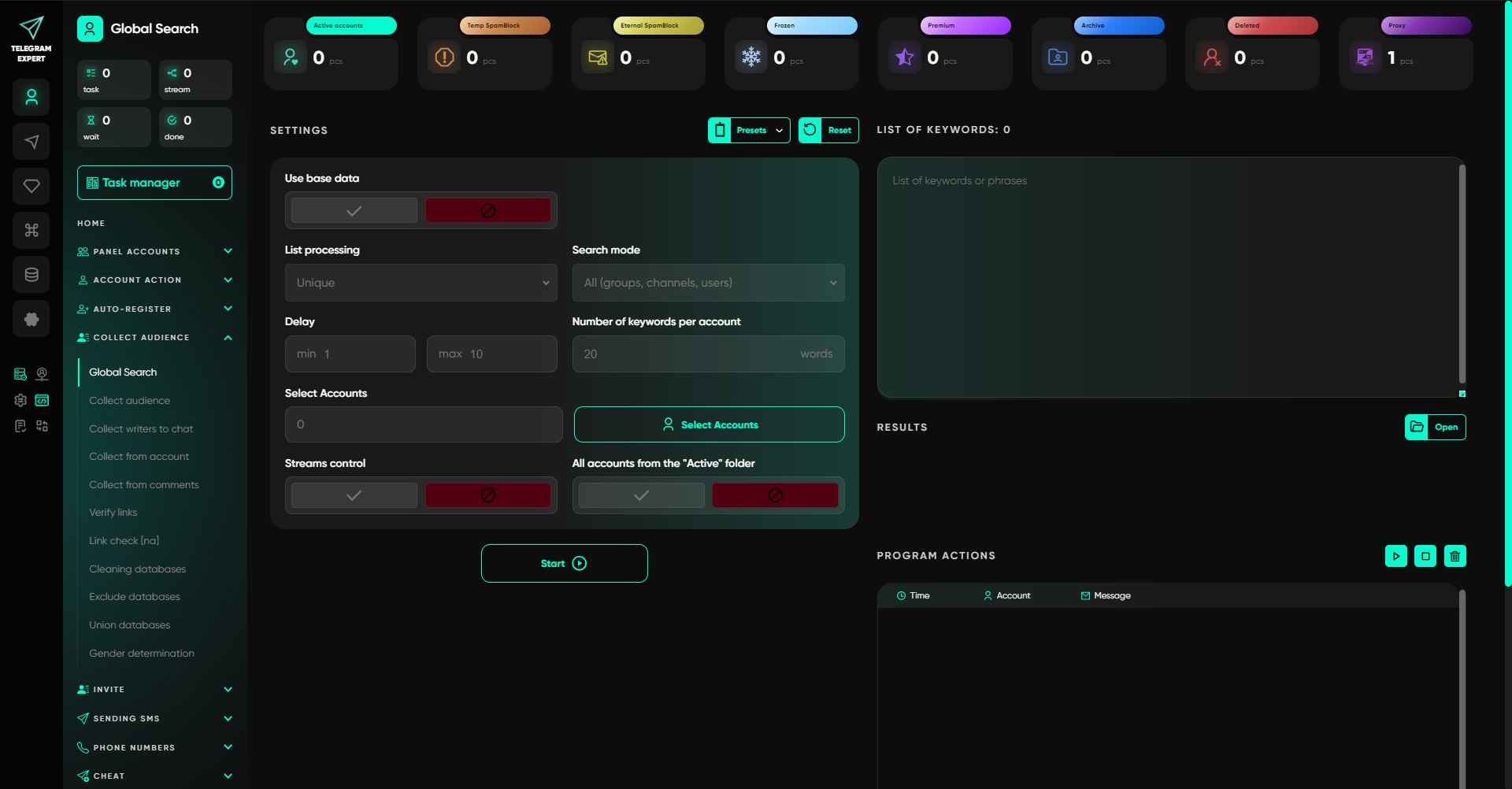
If the list of platforms is large, part of the search can be moved to Telegram Expert. The software includes tools for keyword search and collecting data from available sources, so there is no need to review every option manually from scratch.
02Step 2: Study What Is Happening in the Conversation
The mere presence of messages says little about the nature of a community. What matters is what people are writing about and how the discussion develops.
To compare chats, use the same observation period. Its length depends on the activity level of the specific community. A quiet chat will require a longer period than a group where new messages appear constantly.
Look first for:
- descriptions of specific problems;
- requests for specialist recommendations;
- questions about terms, deadlines, and ways to solve a problem;
- follow-up questions after an answer has been received;
- discussion of experience working with contractors.
A message such as “Can you recommend a specialist?” should be reviewed together with the conversation that follows. Sometimes the person is genuinely looking for a contractor, while in other cases the discussion ends with a single recommendation.
Also look separately at who creates the activity. A feed can mix messages from members, promotional posts, reposts, and administrative notifications.
If almost the entire feed consists of links and promotional offers, that is already a characteristic of the community that should be taken into account.
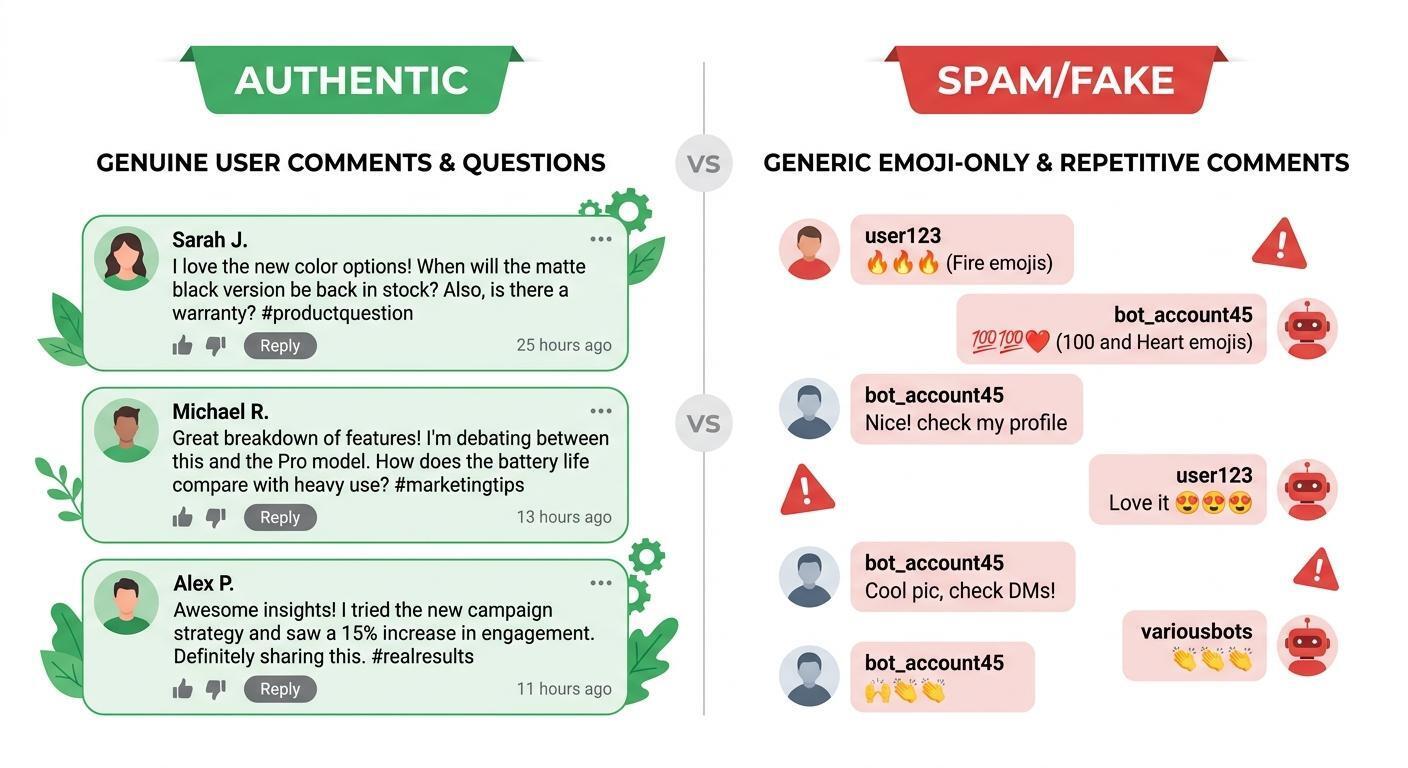
At the same time, a professional community with many service providers should not be excluded automatically. Its members may buy complementary services, look for subcontractors, or refer projects to others.
Do Not Rely Only on the Number of Message Authors
The conversation clearly shows who participates in discussions. The situation with readers is different.
If 50 people wrote messages during the selected period, that does not mean the other members are not interested in the topic. Likewise, the absence of messages from a particular user says nothing about that person’s needs.
In Telegram Soft Expert you can collect users who wrote in a selected chat during a specified period, exclude administrators, and obtain the usernames of available participants. This collection helps you study the active part of the community, but the fact that someone posted a message does not automatically make them a potential buyer.
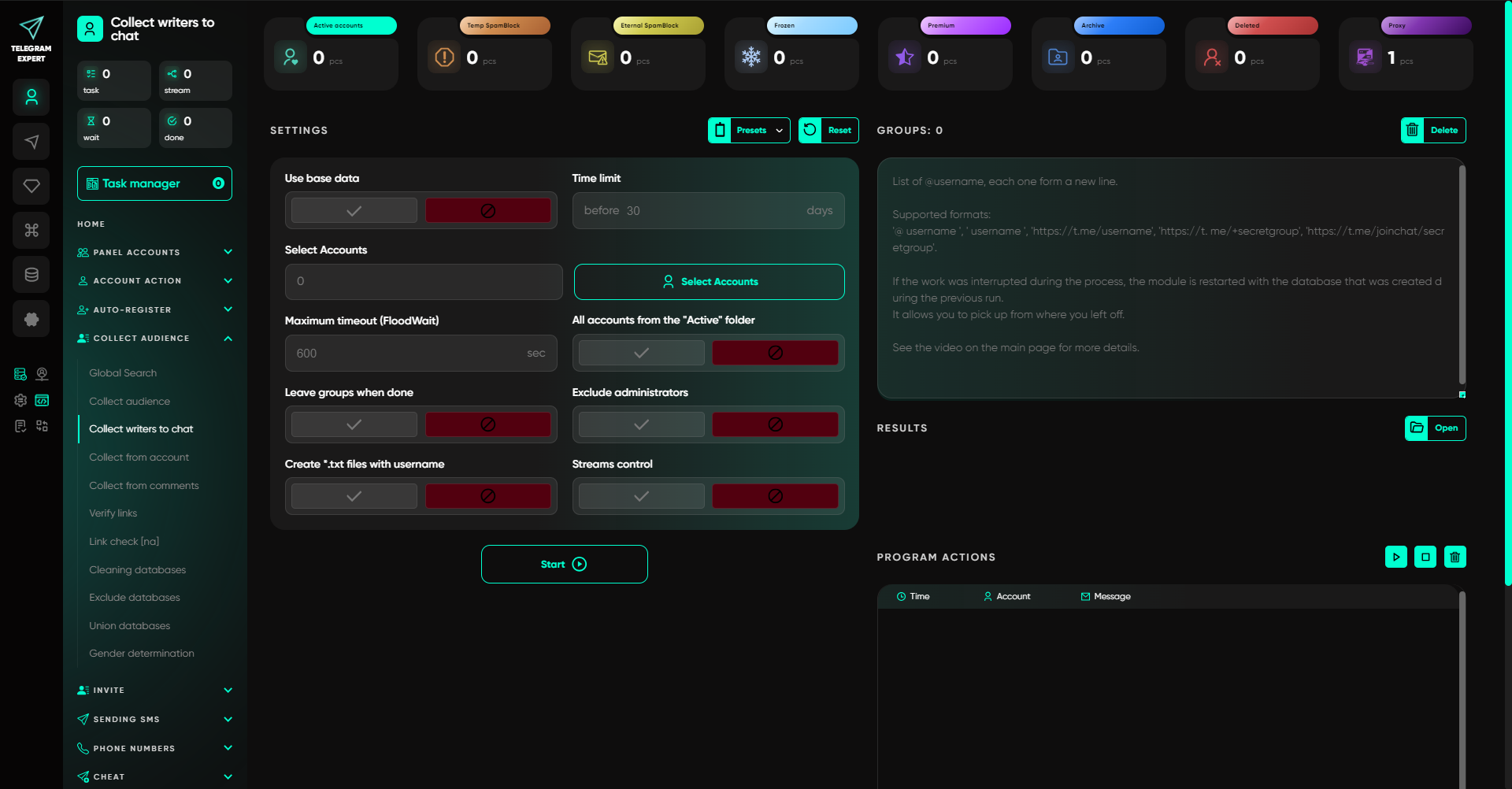
That is why collection results should be used together with the message content. The list of authors shows who participated in the conversation, while the messages themselves help explain which problems were discussed.
03Step 3: Find Relevant Messages Automatically
When several chats need to be checked, constant manual review quickly turns into a separate job. This is especially true if you are looking for specific wording or want to monitor new discussions.
Telegram Expert includes several tools that are suitable for this task.
Global Search lets you search for information by keyword. It can be used for the initial discovery of relevant sources and messages.
The Interceptor works with specified words and forwards matching messages from selected available sources. For example, a website developer can track wording related to website creation, online stores, or finding a contractor.
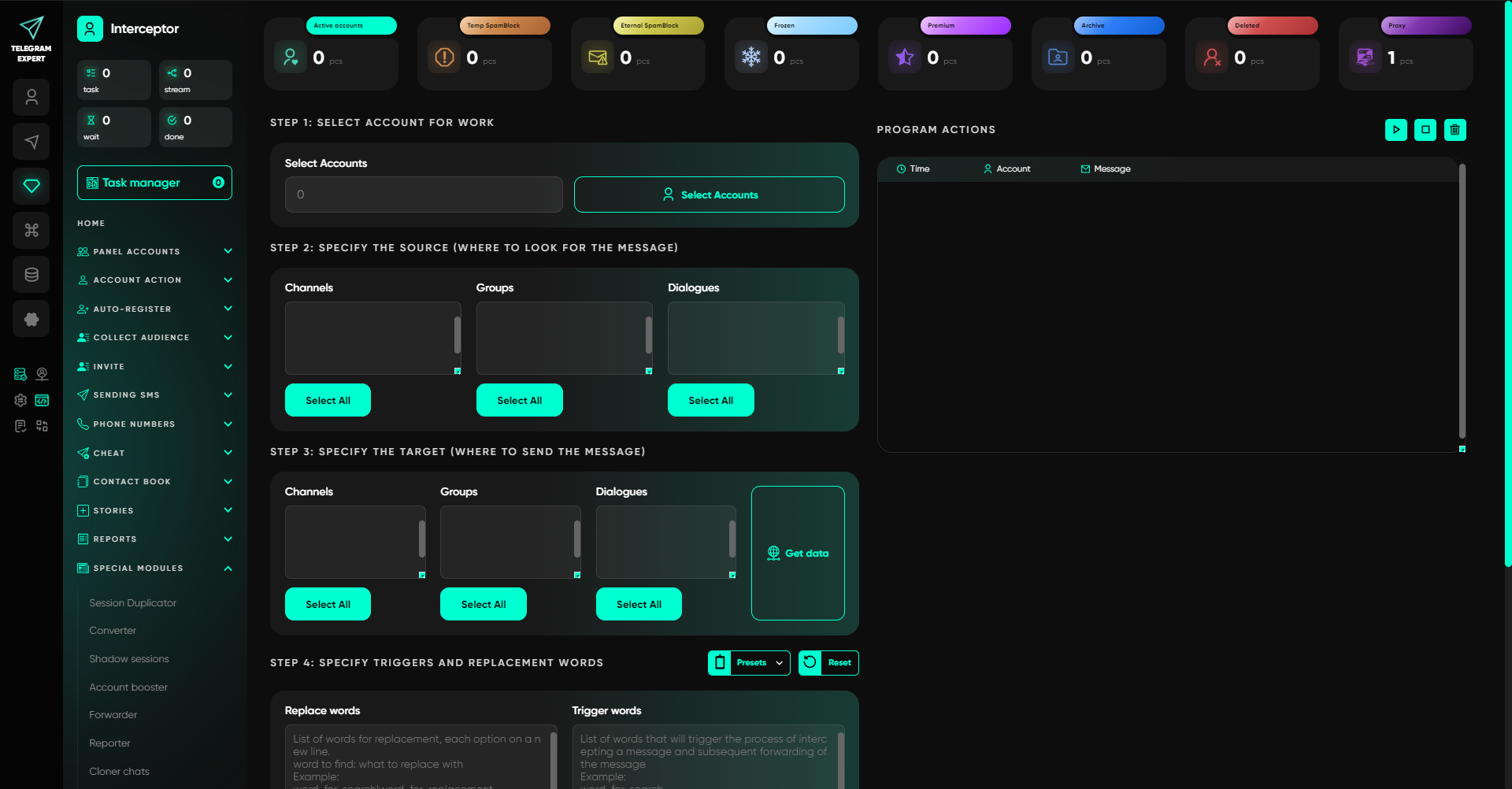
This approach makes it faster to find messages for further review. A keyword by itself, however, does not determine the meaning of the request. The same phrase may appear in an advertisement, a discussion of someone else’s project, or a completely different context, so the surrounding conversation still needs to be read.
A similar principle applies when collecting users who have written messages. The software retrieves data according to the specified conditions, while the user decides whether a particular person or message is suitable for further work.
04Step 4: Compare Chats and Choose a Promotion Format
After reviewing the conversations, you should have specific conclusions for each candidate. In one chat it may make sense to participate in discussions, in another to arrange a promotional post, while a third may be more useful for finding partners.
When evaluating a platform, record several parameters:
- What client problems are discussed here.
- Who creates most of the activity.
- What questions members ask.
- Whether there are substantive answers and follow-up discussions.
- What advertising rules apply.
- How much placement costs and how long it remains active.
- Who to contact to approve a publication.
- What inquiries appeared after the placement.
This information makes it possible to compare platforms using the same criteria. The number of members and messages remains only one indicator. By itself, it does not confirm that demand exists.
Respond to a Request When You Can Solve the Problem
If a member directly describes a problem, it is more appropriate to answer the substance of that problem first.
For example, instead of writing “We build websites of any complexity, contact us,” you can explain what affects the choice of a platform for a catalog without online payments and offer to clarify the person’s current workflow.
This format naturally continues an existing conversation. If the person really needs a specialist, they have an opportunity to move on to discussing the work.
Arrange Advertising Separately
If promotional posts are allowed in the chat, first clarify the administrators’ requirements. Check the price, placement period, permitted links, text format, and approval process.
The presence of other people’s promotional messages does not automatically mean that you may publish your own offer. Telegram separately restricts unsolicited messages and advertising in groups, and users can report such messages to moderators for review.
Use Professional Chats for Partnerships
If the community includes many specialists from your industry, look at adjacent needs. A designer may be looking for a developer, a marketer may need a technical contractor, and an agency may outsource part of a project to another specialist.
In that case, the goal of participation changes. You are not looking for a direct order from a member, but for a contact that may lead to a joint project.
05Step 5: Connect Working Accounts and Infrastructure
As the number of platforms grows, another recurring task appears: maintaining several working accounts, connections, and sessions.
Proxies can be used for this infrastructure. For example, Gateproxies offers residential, mobile, and ISP proxies, supports HTTP(S) and SOCKS5, and for suitable products allows you to choose between rotating and sticky sessions.
The choice depends on the specific task. Residential proxies are available with country- and city-level targeting, mobile proxies route traffic through carrier networks, and ISP proxies are intended for cases where a persistent IP address is required.
After connecting, check four parameters: host, port, login, and password. Then select a supported protocol and verify the external IP before starting the working task.
Use only communities, accounts, and workflows you are authorized to access. Follow platform rules and obtain approval before promotional placement.
06Step 6: Move Repetitive Operations into Telegram Expert
After the first platforms have been reviewed, the work usually goes beyond a single search. You need to update the source list, collect new data, monitor messages, work with multiple accounts, and process replies.
At this stage, Telegram Expert can already be used as a working tool for ongoing promotion. The software combines account management, audience collection, search, mailings, invitations, message handling, Stories, and reports.
Several groups of functions are especially useful for this task.
- Search and audience collection. You can search for sources by keyword and collect available members, message authors, and commenters.
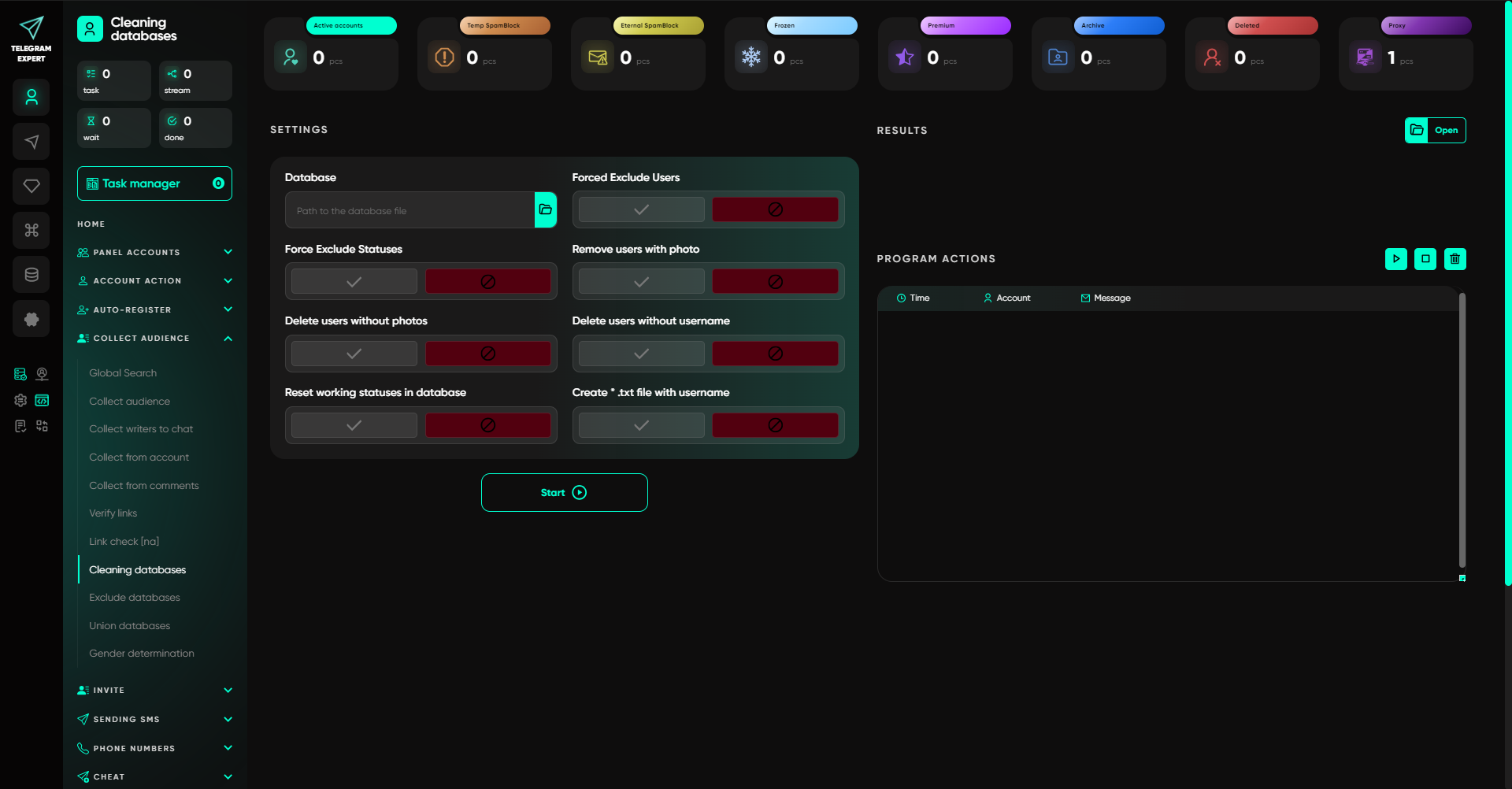
- Database management. Collected data can be prepared for further actions, unnecessary entries can be removed, and the selection can be brought into a usable form.
- Mailings. Telegram Expert supports sending messages to available identifiers and contacts. Before launch, define the audience and prepare the message content.
- Interceptor and Forwarder. The first helps monitor messages containing specified words in selected sources. The second brings incoming messages from several accounts into a work chat, which is useful when a team processes inquiries together.
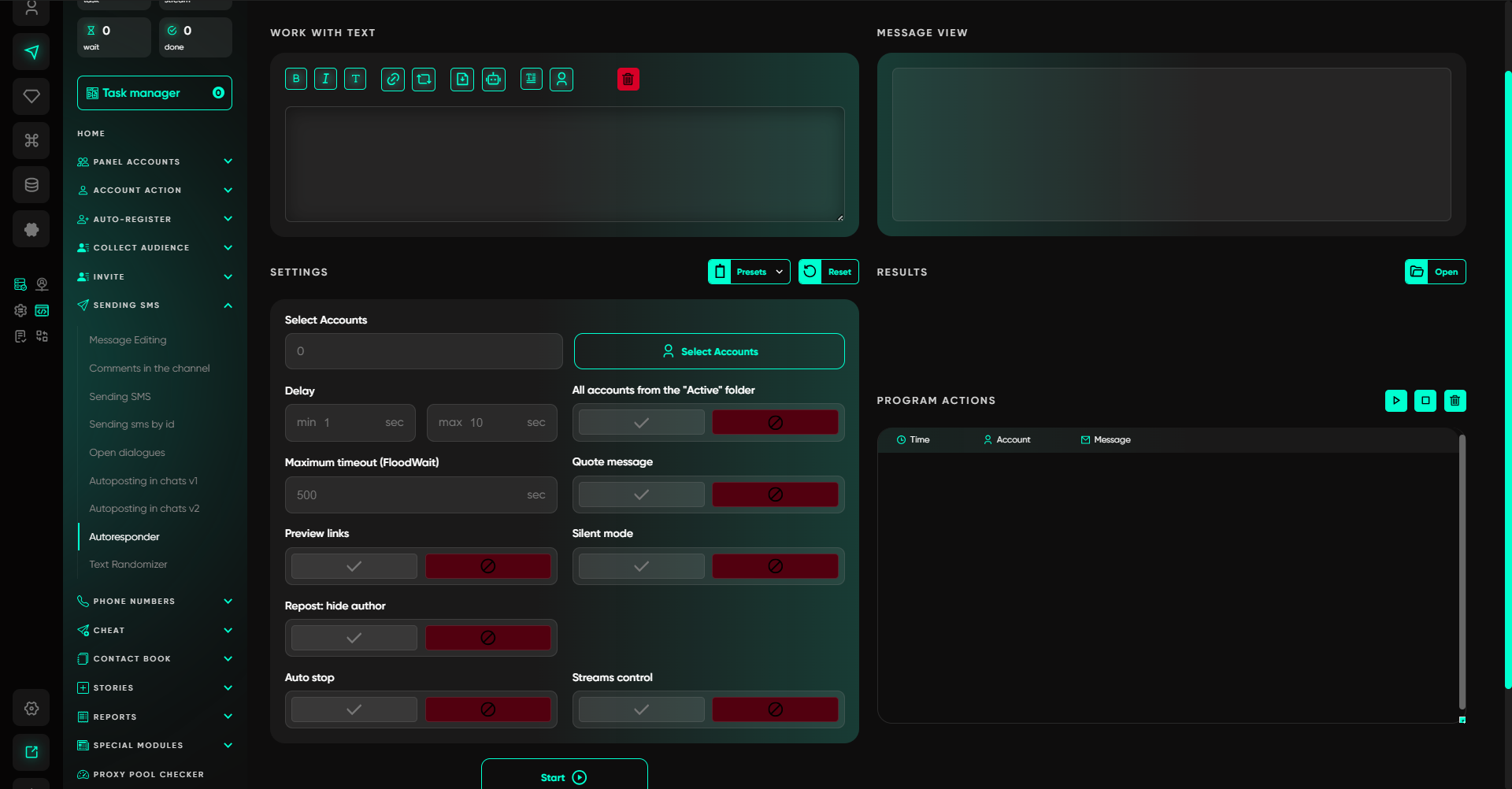
- Autoresponder. Lets you configure a reply to an incoming message using a predefined template.
- Account management. The software includes tools for importing, checking, and working with accounts in groups.
At the same time, automation applies to a specific operation. A message found through monitoring is still material for analysis, and a sent mailing is not yet a client inquiry.
07Step 7: Check the Result of the Placement
After publication, it is important to preserve the connection between the platform and the inquiries received.
For each placement, you can record the source, the person’s task, how well the service matched it, whether the conversation moved on to discussing work, and how much time was spent preparing and processing responses.
If a person comes to a website, the source can additionally be tracked with a dedicated link. For direct messages, precise attribution is not always possible, so some information will need to be collected directly from the conversation.
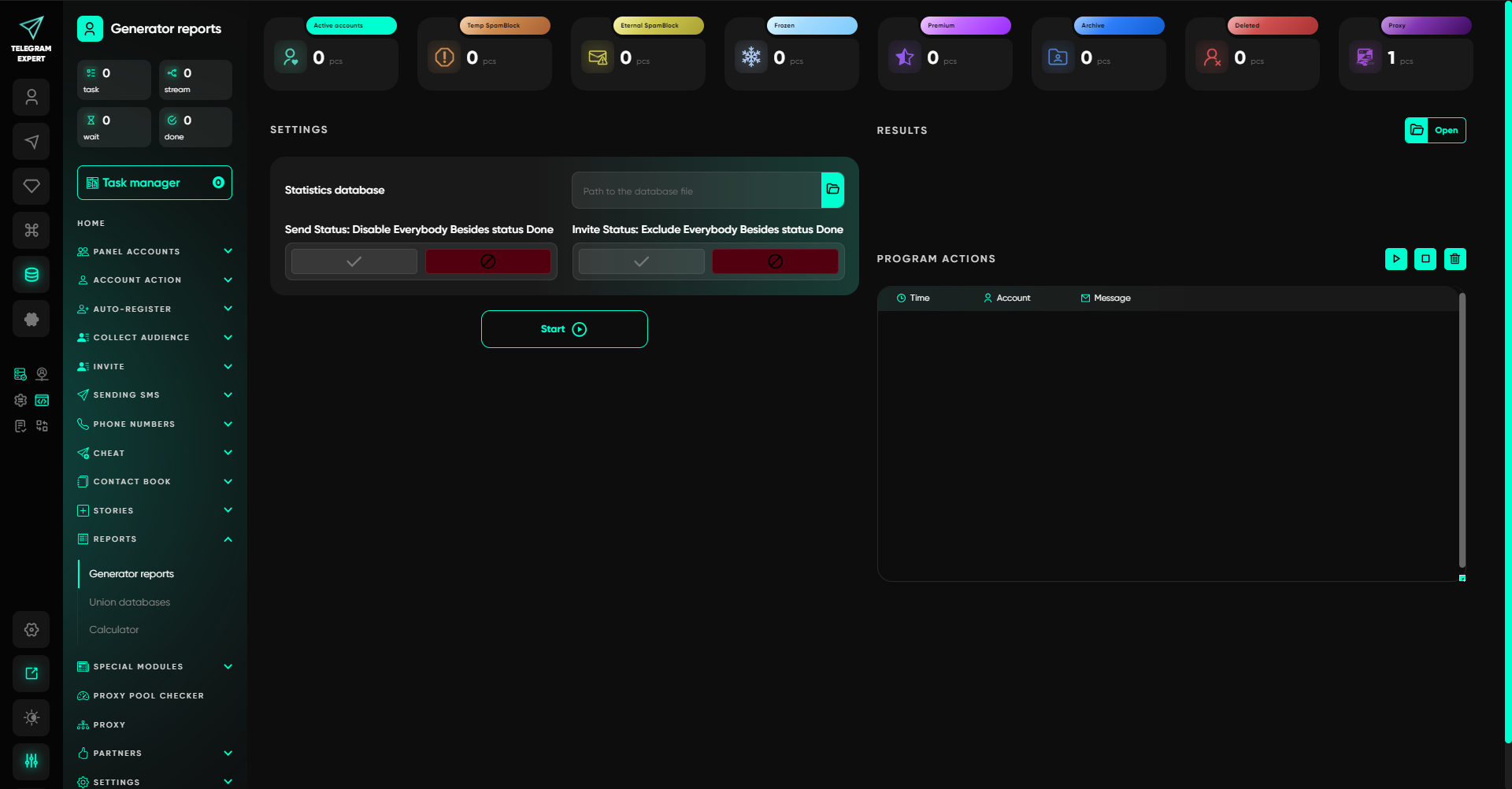
Telegram Soft Expert reports help monitor the results of operations such as mailings and invitations. A successfully sent message does not mean that the person read it, became interested in the service, or turned into a client. These stages need to be evaluated separately.
What Else You Can Do in Telegram Expert
Selecting chats for promotion may be only one part of the work. If Telegram promotion becomes a regular process, Telegram Expert also includes other tools:
- account registration through supported SMS services;
- contact and phone number management;
- user invitations;
- publishing and working with Stories;
- channel and chat management;
- TData conversion;
- session duplicator;
- account booster;
- chat and bot creation;
- administrator management;
- operation reports;
- connection checks;
- work with subscriptions, views, and reactions.
The available feature set depends on the selected offer. Before starting work, check what is included in the specific license.
How to Choose a Telegram Chat for Promoting Services
A suitable chat is determined by the composition of its audience and the nature of its conversations. Start by defining the client’s problem, then find several relevant communities and review their conversations over a comparable period.
After that, separate the goals. Some communities may be useful for finding orders, others for partnerships, and some should simply remain under observation. For the selected format, agree on the placement first and only then evaluate the inquiries received.
If the number of these checks grows, search and repetitive operations can be moved to Telegram Expert. Global Search helps find the required keywords, the collector of message authors shows active contributors, and the Interceptor can monitor new posts according to specified conditions. Other tools can be added as the corresponding needs arise.
This gradually creates a working list of platforms where, for each chat, it is clear why it is useful, which promotion format to use, and what happened after placement.